Home and gift guide · Coloring Parcel
How to create your own coloring book
A small book feels more personal when every page belongs to the same idea. Start with a theme someone enjoys, such as autumn leaves, garden cats or a trip to the beach. Six good pages are enough for a first booklet.
Choose a theme and follow the five steps ↓
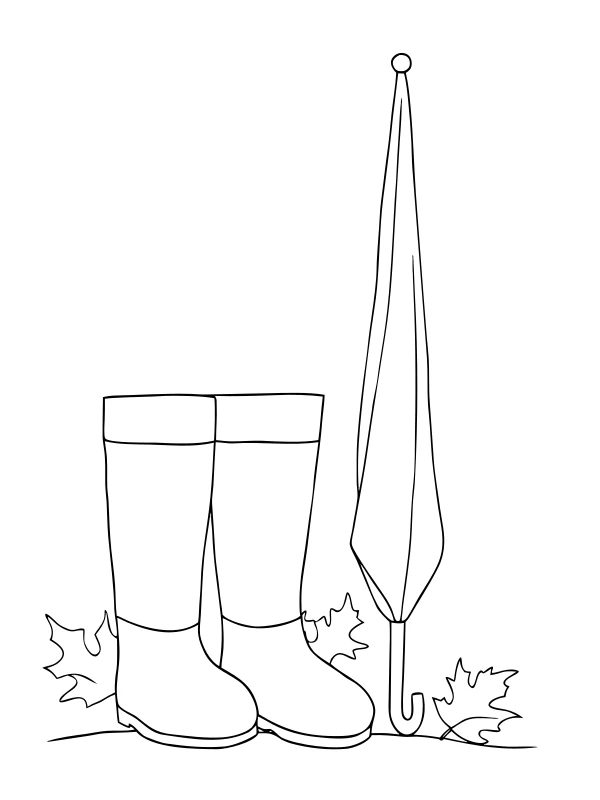
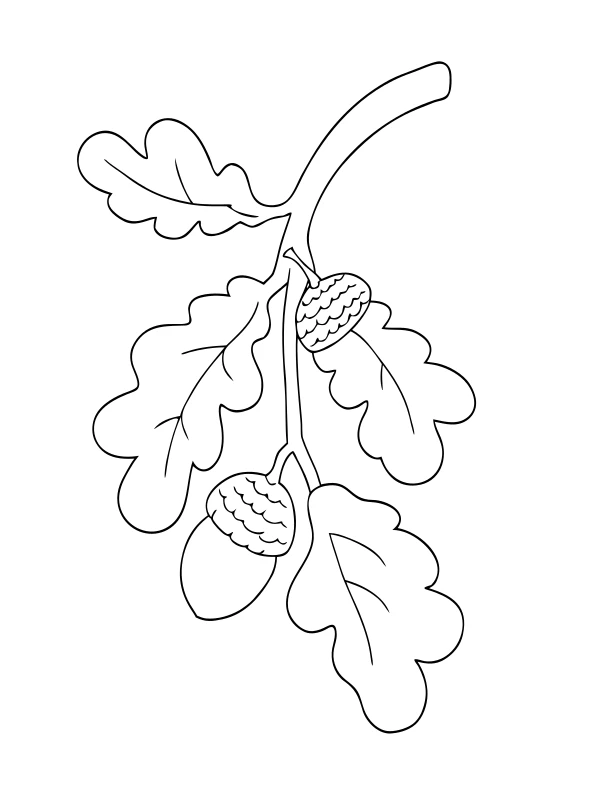
Real AI-generated artwork from our free autumn set. Digital previews; no physical printing or binding test.
1. Choose one theme and a reader
Think about what the reader will enjoy coloring. A younger child may prefer a few large shapes; someone who likes taking their time may want smaller sections. Use an original idea rather than a named cartoon character or branded design.
Write one short theme, then list different scenes within it. For an autumn book, you might choose leaves, a tree, rain boots, a park bench, an oak branch and mushrooms. Keeping the theme shared gives the book a connection without repeating the same picture.
2. Set the page count, detail level and paper
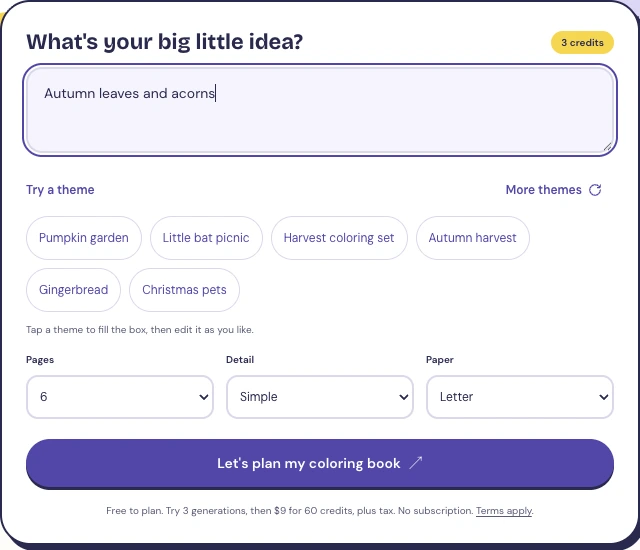
In Coloring Parcel, enter your theme and choose 6–12 pages before planning. Select Simple, Medium or Detailed, then pick A4 or US Letter to match your printer. Planning the scenes uses no generation credits.
Simple leaves more space for coloring. Medium adds smaller features, while Detailed asks for more fine lines. Choose the level for the reader, then check the actual output. A detail setting cannot guarantee that every line will be suitable.
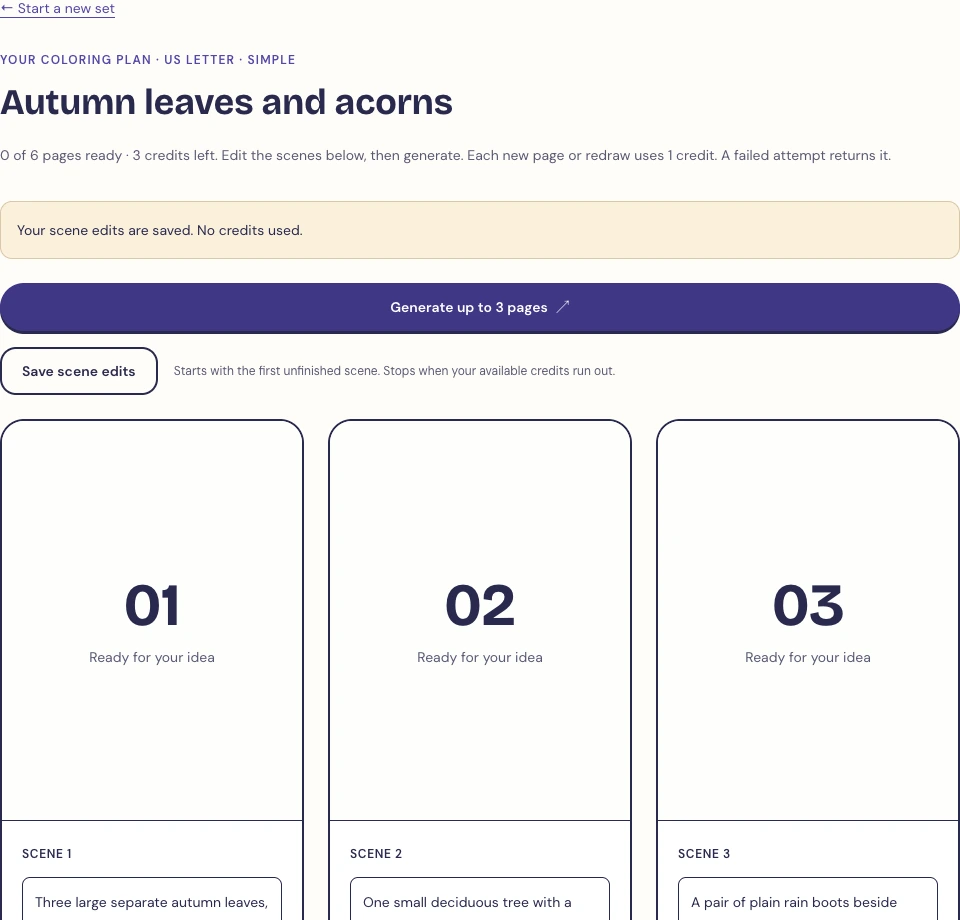
The screenshots below show a real six-page autumn plan in our tool. Its scene descriptions were edited and saved before any pages were generated.
3. Edit the scenes, then generate and review
Read the plan before generating. Replace scenes that sound too similar and describe the parts you want to see. You can edit each numbered scene and save those changes. To change the page count, start a new plan with the count you want.
Generate the pages and look at each one. Check for cut-off objects, extra limbs, floating decorations and tiny areas that will be hard to color. Edit a scene and redraw a page if it needs work. Each successful generation or redraw uses one page credit; failed generations return their credit.
The free trial includes three generations, so it does not cover a complete six-page book. You can start with a complete free printable set, or buy generation credits for a custom set. Keep the pages you are happy to give someone.
4. Download the PDF and check one printed page
Download the PDF for the paper you selected. Open it and check every page before printing. Use Actual Size or 100%, portrait orientation, and turn off browser-added headers and footers if you are printing from a browser.
Print one page first. Check that the picture and page number are inside the paper edges, then try the crayons or pencils you plan to use. If you want a different order, select pages in your PDF viewer or arrange the printed sheets by hand.
The artwork shown here is genuinely generated digital line art from our autumn set. We checked the digital PDF layout, but have not physically printed or bound this example.
Check A4, Letter and printer settings →5. Add a cover and bind your home booklet
Use a sheet of plain card for a simple cover. Write the title and the recipient’s name yourself, then place the coloring pages behind it. Our downloads contain the page artwork, not an automatically made cover.
A folder or binder keeps full-size sheets flat and lets you replace a page. For a thin booklet, an adult can staple the left edge, away from the coloring area, or use a hole punch and ribbon. Check that the fastening will not scratch a hand or catch on clothing.
If you are learning how to make coloring books as gifts, make one small copy before preparing several. Paper, printer settings and binding choices can change the result.
Start with six scenes
Planning is free. Try three generations, or use a free complete set to make your first home booklet. For a custom book, $9 buys 60 generation or redraw credits, plus applicable tax.
Preparing a book to sell? Read the separate KDP coloring book preparation guide for publishing requirements and AI disclosure.